
Mind map
Graphic Communication
Map content
Graphic Communication
Design Principles
- Balance
- Keep a good balance of graphic and text
- Don't over power it
- Keep a good balance of graphic and text
- Contrast
- Use different text styles
- gives it an eye catching quality
- Emphasis/Dominace
- Make the important bits stand out
- Use underlining and bold the emphasis information
- Rhythm
- Make the reader want to read it
- Keep it flowing
- Alignment
- Align elements in the article to make it stand out.
- Proximity/Unity
- White Space
- Makes it more readable
- Flow
- Keep the article flowing with information and graphics.
- Balance
Design Elements
- Lines
- To divide the article
- Shape
- Helps to keep the reader interested
- Texture
- Physical
- the smoothness of the article
- Visual
- For graphics
- Physical
- Size
- Things with the biggest size are the thing people see first
- Colour
- Keep your article bright and colourful
- Value
- Colour Tones
- Makes it more dramatic
- Colour Tones
- Mass
- Things with a higher mass tend to stand out more
- Lines
Site Plans
- Location Plan
- 1:1250 Scale
- Site map of the neighbourhood
- Showing building and streets
- Used to apply for planning permission
- Site Plan
- 1:200 Scale
- Of a single plot
- Shows pre - exsisting fixed objects
- What might be shown
- Dimensions
- To help with foundations
- Underground drainage
- Contour lines
- Showing slope and elevation
- Dimensions
- Floor Plan
- 1:50 scale
- Shows doors and windows
- Show fixed items
- Bathroom
- Kitchen fittings
- May show
- Dimensions
- Electrical items
- Sockets
- Switches
- Lights
- 2:1
- Twice the size of full scale
- Location Plan
Colour
- Primary colours
- Red
- Yellow
- Blue
- Secondary
- Orange
- Green
- Purple
- Contrasting colours
- Apart on the colour wheel
- Harmonising colours
- Close on the colour wheel
- Warm colours
- red
- yellow
- orange
- Cool colours
- blue
- green
- gray
- Primary colours
Most common building objects
- Lamp
- Switch
- Socket
- Insulation
- Brickwork
- Concrete
- Sawn Wood
- Window
- Door
- Sink top
- Sink
- Bath
- Washbasin
- Shower tray
- Radiator
- In-line valve
- Junctions
- Crossover
Desktop Publishing Terms
- Handles
- devices that surround an object when it is selected or active on the page
- Alignment
- How an object or text is lined up with other things in the page
- Text Run-around
- Technique of setting the text to follow the contour of an object
- Orphan
- A word left at the end of a page that is connected to text in a following page
- OCR
- Optical Character Recognition
- using a scanner to scan objects that the text can be edited within word processing
- Headline
- Usually at the top of a page
- Usually the larges text in the page
- Running Headline
- A title that runs across a double paged article
- Sub- Headline
- A heading that is smaller than the headline
- Rule
- A single line that is used to separate text into columns
- Captions
- text about an image
- Gutters
- The space between columns
- Margins
- The space between the edge of the paper and the text/graphics
- Orientation
- The positioning of paper
- Landscape
- Portrait
- The positioning of paper
- Font
- The term used to describe every letter
- Handles
Drawing Symbols
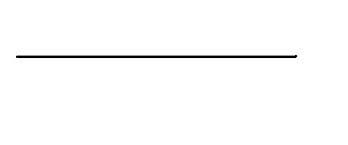
- Visible Line
- A thick, continuous line
- Projection Line
- A thin, continuous line
- Hidden Outline
- A thin, broken line
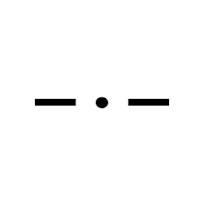
- Centre Line
- A thin chain line
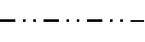
- Fold Line
- A thin double dashed chain line
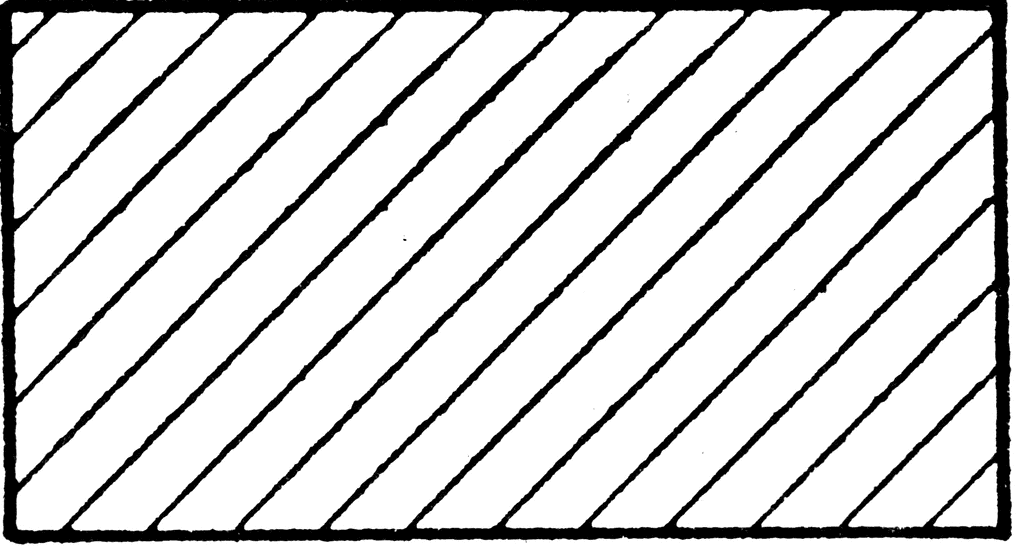
- Cross-Hatching
- Looks like its been cut
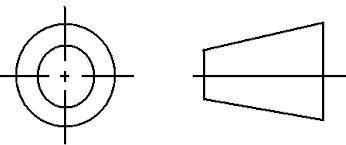
- Third Angle Projection
- To help explain layout
- Visible Line
Images and files in the map


Information
- Description
- This is a small part of the national 5 graphic communication course.
- Created by
- JamesJambles
- Views
- 122
- Tags
- Rating